Posts

Showing posts with the label WIRELESS

Computer Network

Image
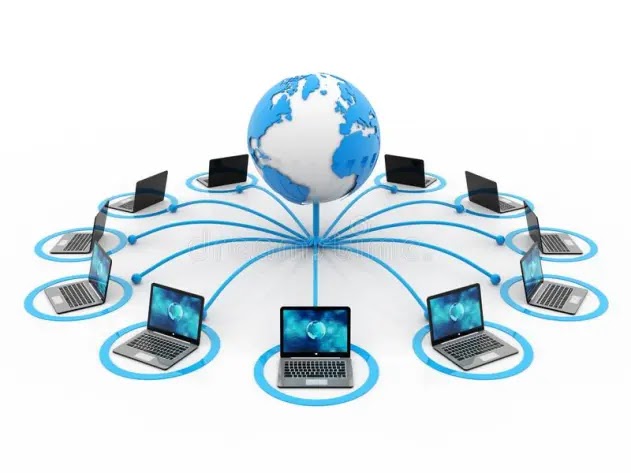
  Introduction: Computer networking is the practice of connecting multiple computers together for the purpose of sharing resources and information. This can be accomplished through a variety of methods, such as wired or wireless connections. In this lesson, we'll cover the basics of computer networking, including the types of networks, networking protocols, and network security. Types of Networks : There are several different types of networks, each with their own advantages and disadvantages. Here are the most common types: 1.       Local Area Network (LAN): A LAN is a network that is limited to a small geographic area, such as a home or office. LANs are typically used for sharing resources such as printers and files. 2.       Wide Area Network (WAN): A WAN is a network that covers a large geographic area, such as a city or even multiple countries. WANs are used to connect multiple LANs together. 3.    ...

Advanced Laptop Repair Techniques

Image
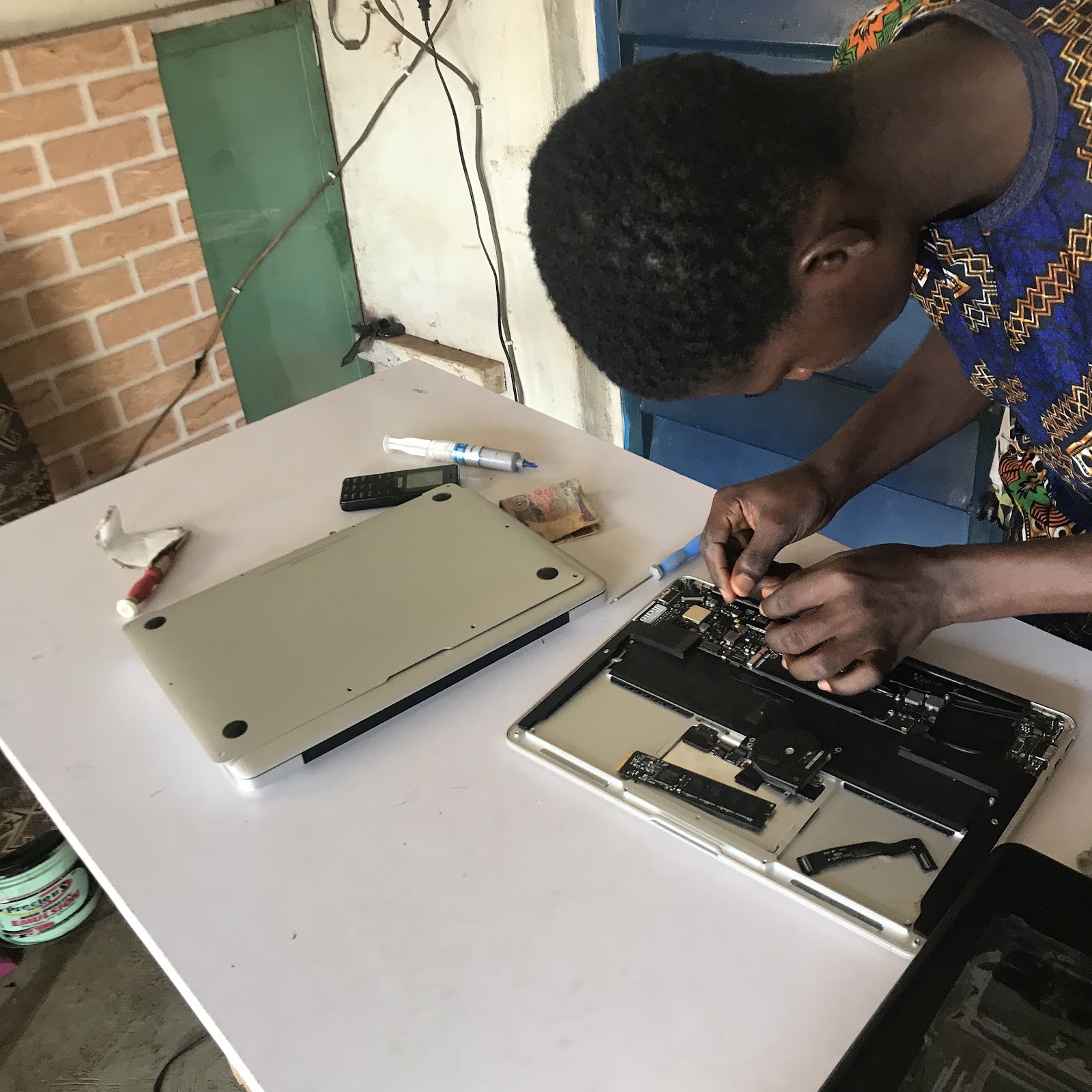
  Laptops are an integral part of our daily lives. They have become our constant companions for both personal and professional use. However, as with any electronic device, laptops are prone to wear and tear, and eventually, they may require repair. While some basic laptop repairs can be done at home, certain issues require advanced techniques that only professionals can handle. In this article, we'll be discussing some advanced laptop repair techniques that can help in fixing complex issues. Motherboard repair The motherboard is the most important component of a laptop, and if it gets damaged, the entire device can become useless. A damaged motherboard can cause various issues, such as no power, no boot, overheating, and much more. Repairing a motherboard is a complex task and requires a skilled professional to do the job. Some common motherboard issues can be fixed by replacing the faulty component or cleaning the board, but for more complex issues, soldering, and other ad...

How to Succeed as a Computer Technician: Tips and Strategies

Image
   If you are interested in becoming a computer technician or are already working in the field, there are several steps you can take to succeed in this role: Develop a strong foundation of technical knowledge. As a computer technician, it is essential to have a thorough understanding of computer hardware, software, and networks. You can gain this knowledge through formal education and training programs, as well as through hands-on experience and self-study. Stay current with industry trends and developments. The field of IT is constantly evolving, and it is important for computer technicians to stay up-to-date with the latest technologies and trends. You can do this by attending conferences and workshops, reading industry publications, and networking with other professionals in the field. Build strong problem-solving and communication skills. As a computer technician, you will need to be able to troubleshoot and diagnose technical issues, and to communicate effectively with us...

The Role of a Computer Technician: Duties and Responsibilities

Image
  Computer technicians are professionals who are responsible for maintaining and repairing computer hardware, software, and networks. They are the experts who ensure that computer systems are running smoothly and efficiently, and they play a critical role in maintaining the technology infrastructure that is used by businesses and organizations. The specific duties and responsibilities of a computer technician can vary depending on their job title and the type of organization they work for. However, some common tasks that computer technicians may perform include: Installing and configuring computer hardware and software Troubleshooting and diagnosing technical issues Repairing and replacing faulty hardware components Updating and maintaining operating systems and software Configuring and maintaining network equipment and security Providing technical support and assistance to users Testing and evaluating new technologies Training users on how to use computer systems and applications ...